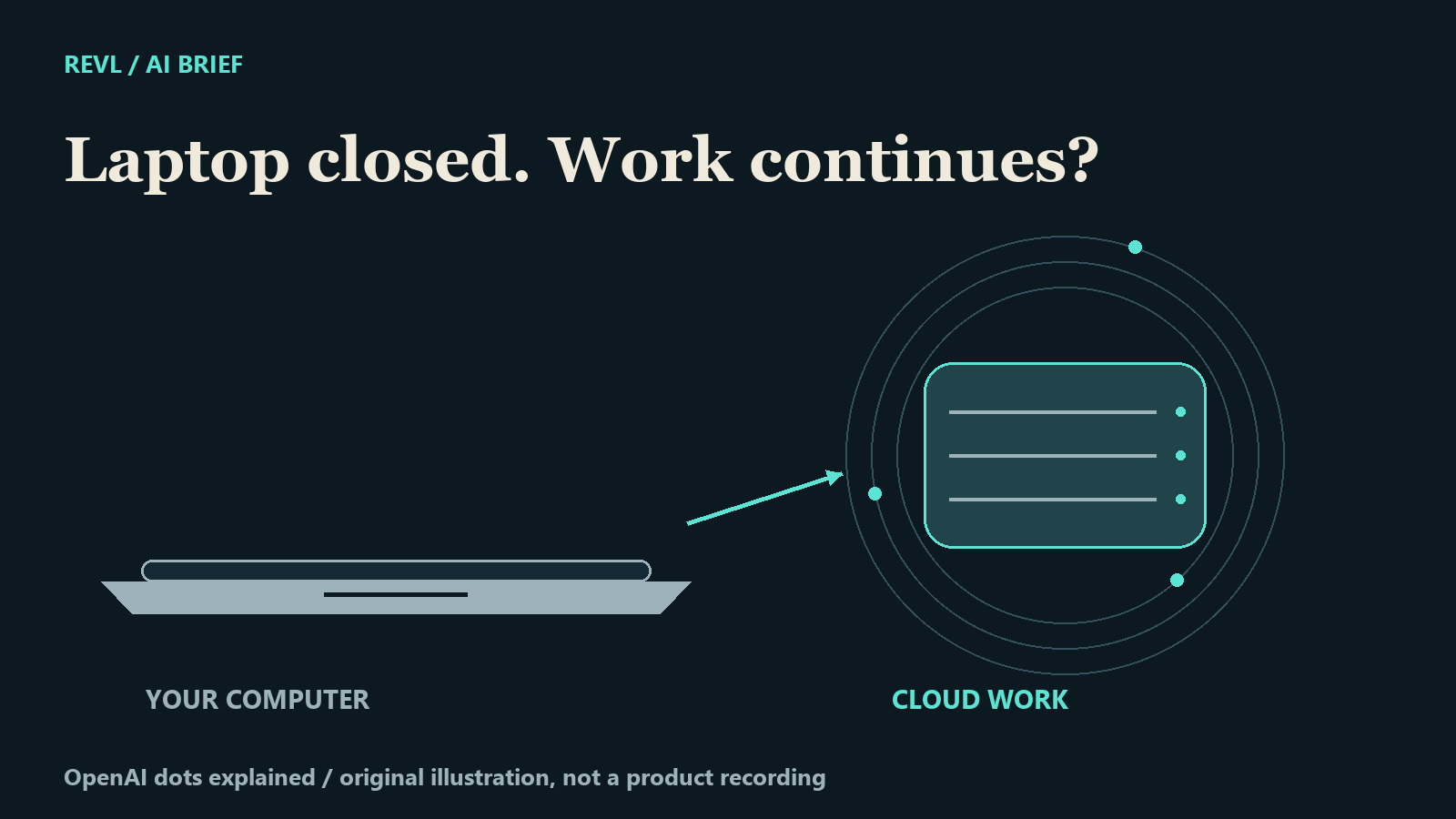
The interesting question about an AI assistant is becoming where the work happens after you leave the conversation.
OpenAI describes dots as cloud-based agents with their own computer and browser. That means supported cloud work can continue while your personal computer is off. Access is rolling out gradually to eligible accounts; this is not a claim that everyone can use it today. Official overview.
Follow one task
Our animation uses a fictional research assignment: compare three official releases, identify the changes, and prepare a source-linked summary. The laptop closes, but the illustrated cloud task remains active. This is an original REVL explanation, not recorded product output or an independent performance test. The moving dots are visual metaphors, not measured progress.
The computer still matters
OpenAI distinguishes local tasks from cloud work. A local Work or Codex task needs its connected computer online, with the app open. A coding task in a configured Codex cloud environment can run while the personal computer is offline. Closing a laptop does not automatically move a local task into the cloud. Tasks and memory.
Give the task a boundary
Preparing a draft does not authorize sending it. OpenAI describes checks against instructions, permissions and safeguards before actions proceed; some actions need approval or a step completed by the user. Controls.
For our fictional research brief, we would ask for the summary and sources, then review the claims before sharing. That separation is the useful idea: let the system prepare the work, and make the editorial decision from evidence.
Documentation checked 30 September 2026. Original REVL writing and code-generated illustrations; synthetic narration. No independent dots test, speed measurement or reliability benchmark. Check access and current documentation before choosing a workflow.
REVL / AI IN PRACTICE